Understand any codebase at a glance.

Turn a public GitHub repository into a visual map. See how files connect and what a change will affect.

No setupNo repository tokenTypeScript and JavaScript
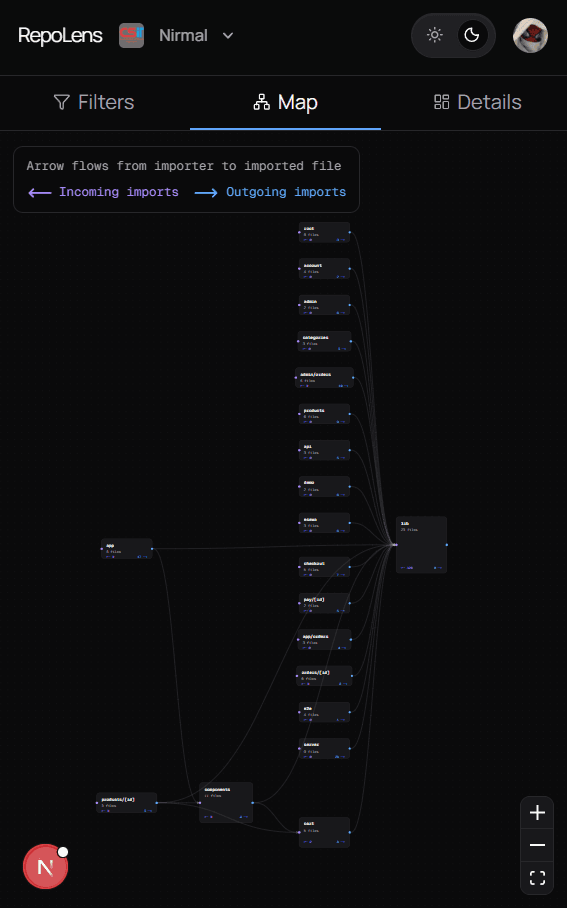
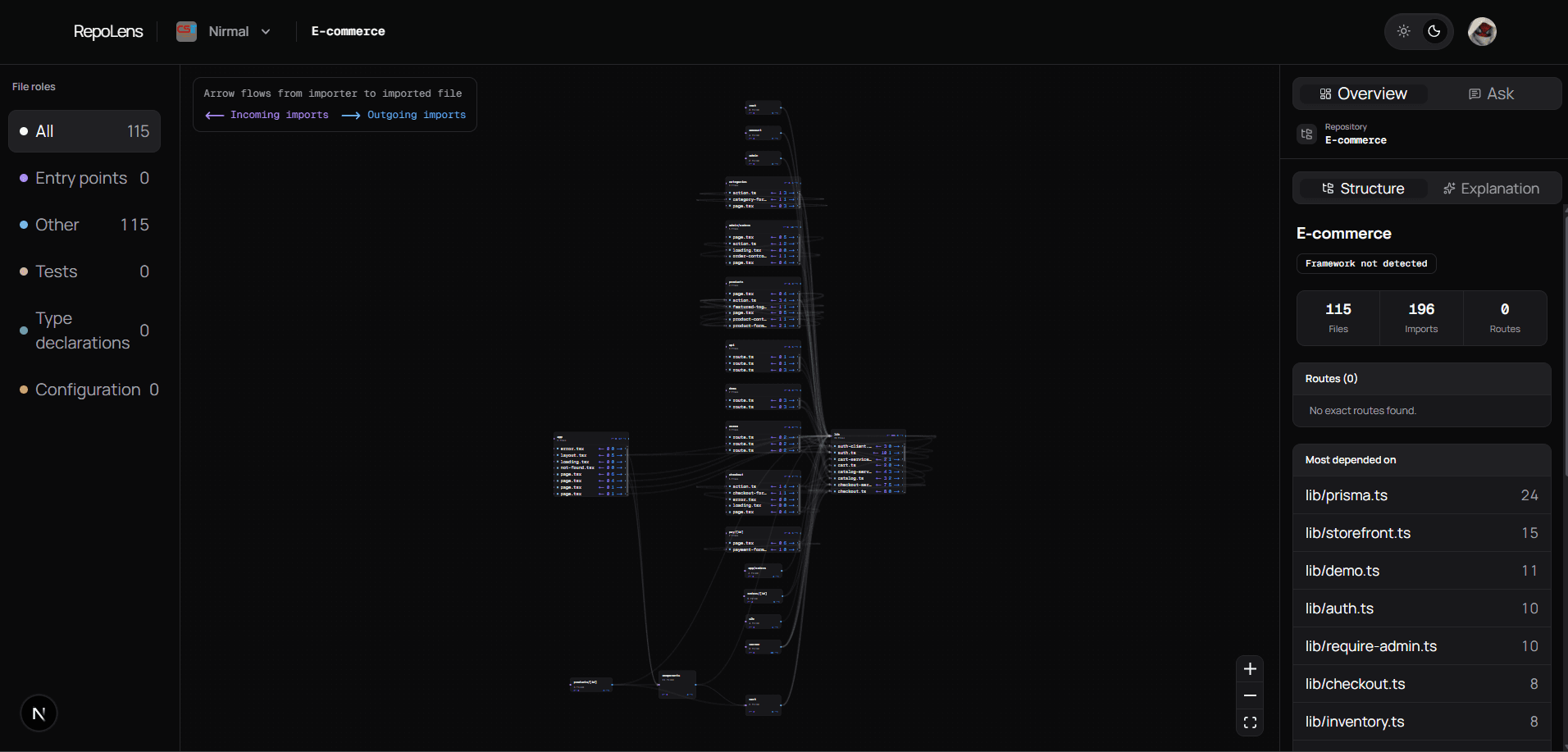
RepoLens dependency map of a repository

See Every Connection.

1

Index the repository

repolens/
app/
page.tsx
api/
route.ts
lib/github.ts
parser/resolve.ts
2

Build the dependency graph

3

Explain from evidence

Changing lib/graph.ts reaches these files through verified imports:

Directly affected
components/map.tsx
Two levels downstream
app/page.tsx
Evidence
2 resolved imports

No inferred connections

Trace the impact.

Select a file to see what it imports, what imports it, and what sits two levels downstream. The answer is calculated from the graph already in front of you.

app/page.tsximports this file
components/map.tsximports this file

Your repository

Click the folder to inspect it

parser/resolve.tsimported by this file
lib/types.tsimported by this file
A selected source file between the files that import it and the files it imports.

Framework context, without changing the facts.

RepoLens recognizes how Next.js, NestJS, Express, and React organize code after it maps the imports. That adds useful roles without changing a single connection.

A route appears only when its method and complete path are present in the source.

Parsed structuredependency graph
Next.js contextmatched

page

role

layout

role

GET/api/projects/:id

A framework context layer adds file roles and a recovered route above the unchanged parsed dependency structure.
Two imports resolve to real files and join the graph. A third unresolved import stops before the missing file and remains visible.

If the code cannot prove it, RepoLens leaves it out.

A connection appears only when an import resolves to a real file. Missing targets and skipped files stay visible, so you can see exactly where the map stops.

  • Resolved imports become connections.
  • Unresolved imports keep their reason.
  • Skipped files remain in the coverage report.